← 갤러리
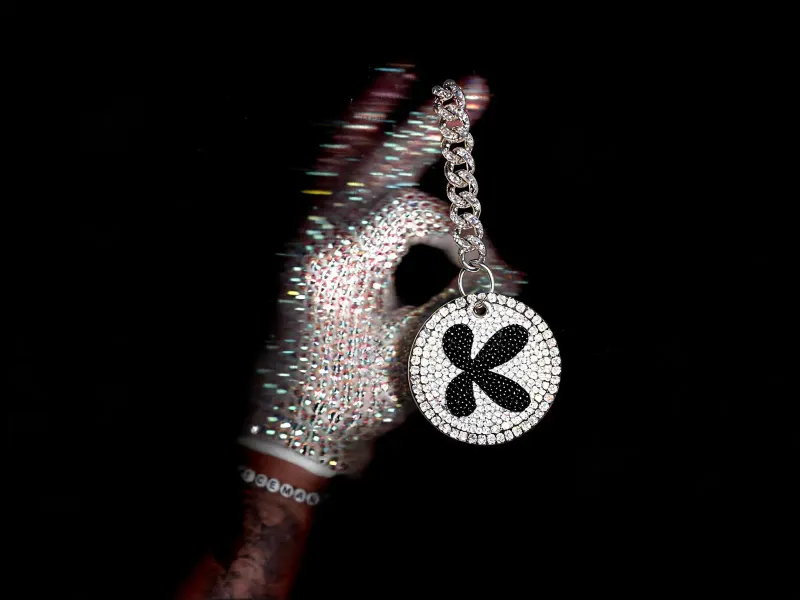
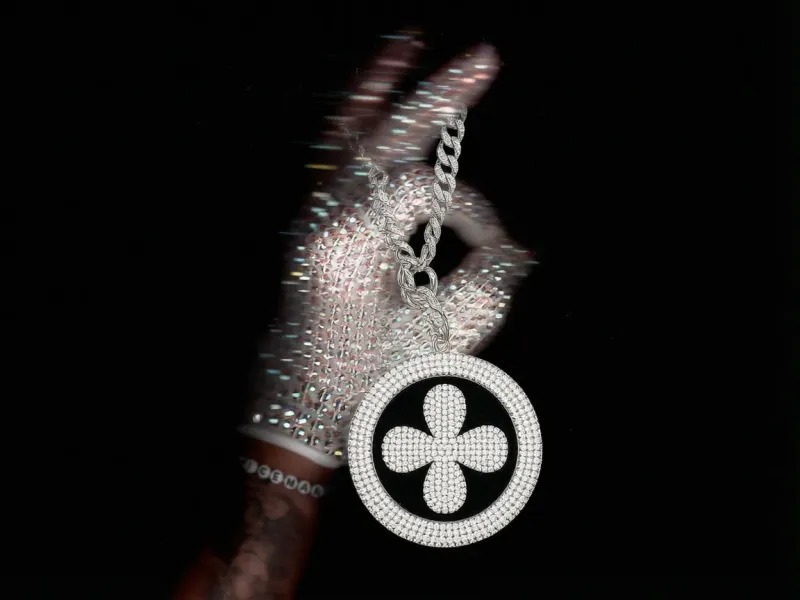
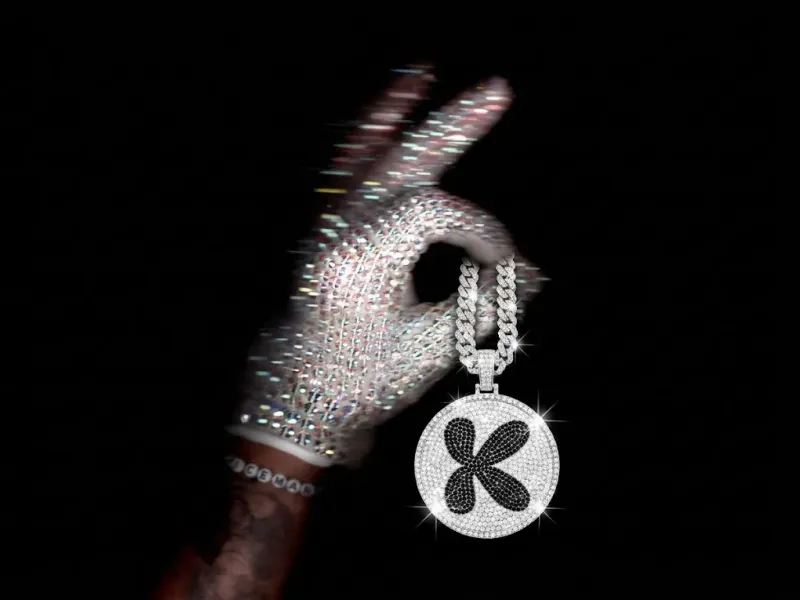
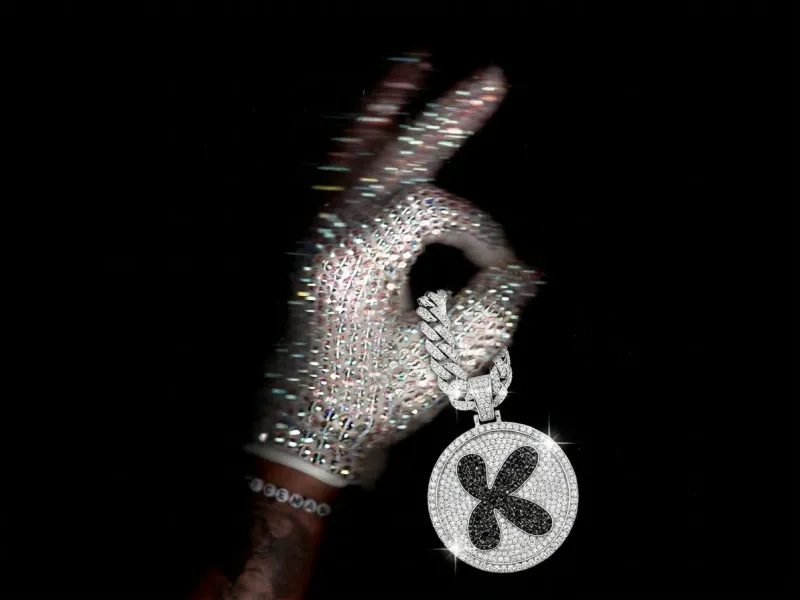
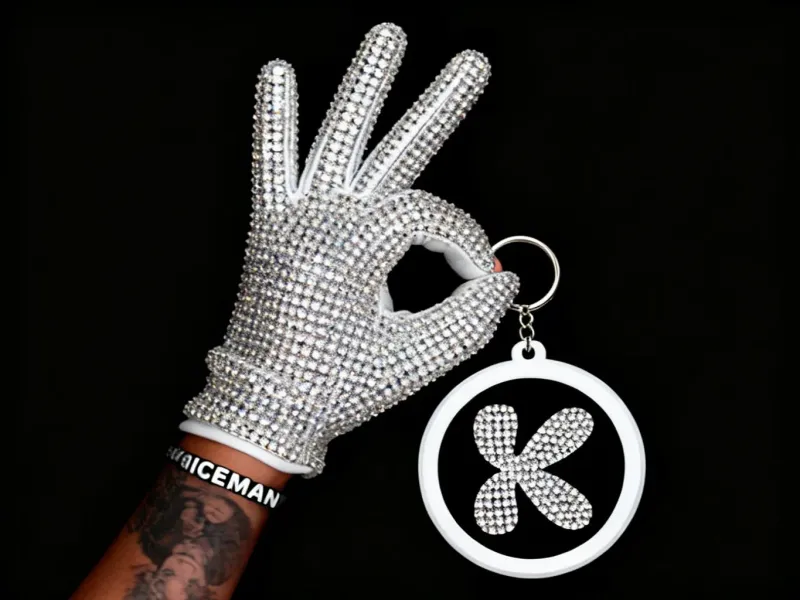
크리스털 글러브가 쥔 라인스톤 키체인
이미지 에디트: 브랜드 로고가 박힌 풀-라인스톤 원형 키체인이 굵은 다이아 체인으로 반짝이는 크리스털 글러브 엄지에 연결 — 같은 에디트를 여러 모델에서 실행.
프롬프트 텍스트
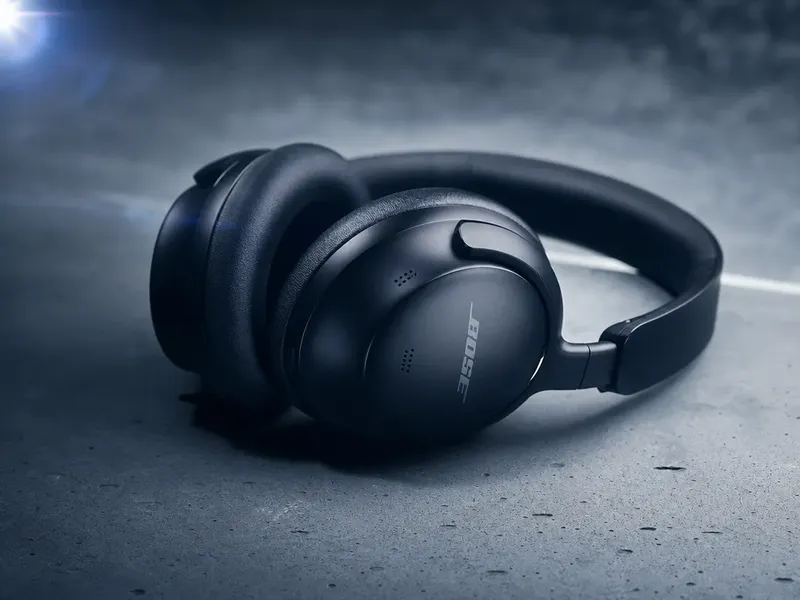
Do not change the hand or arm / composition of pic 1, add a shinning, full rhinestone keychain with thick dimond chain through the thumb, that's in the same style with the glove, using the logo in 2nd pic, the keychain should be round, white background, and inside is black, looking expensive, both background and logo are filled with rhinestone.
2개의 참조 입력
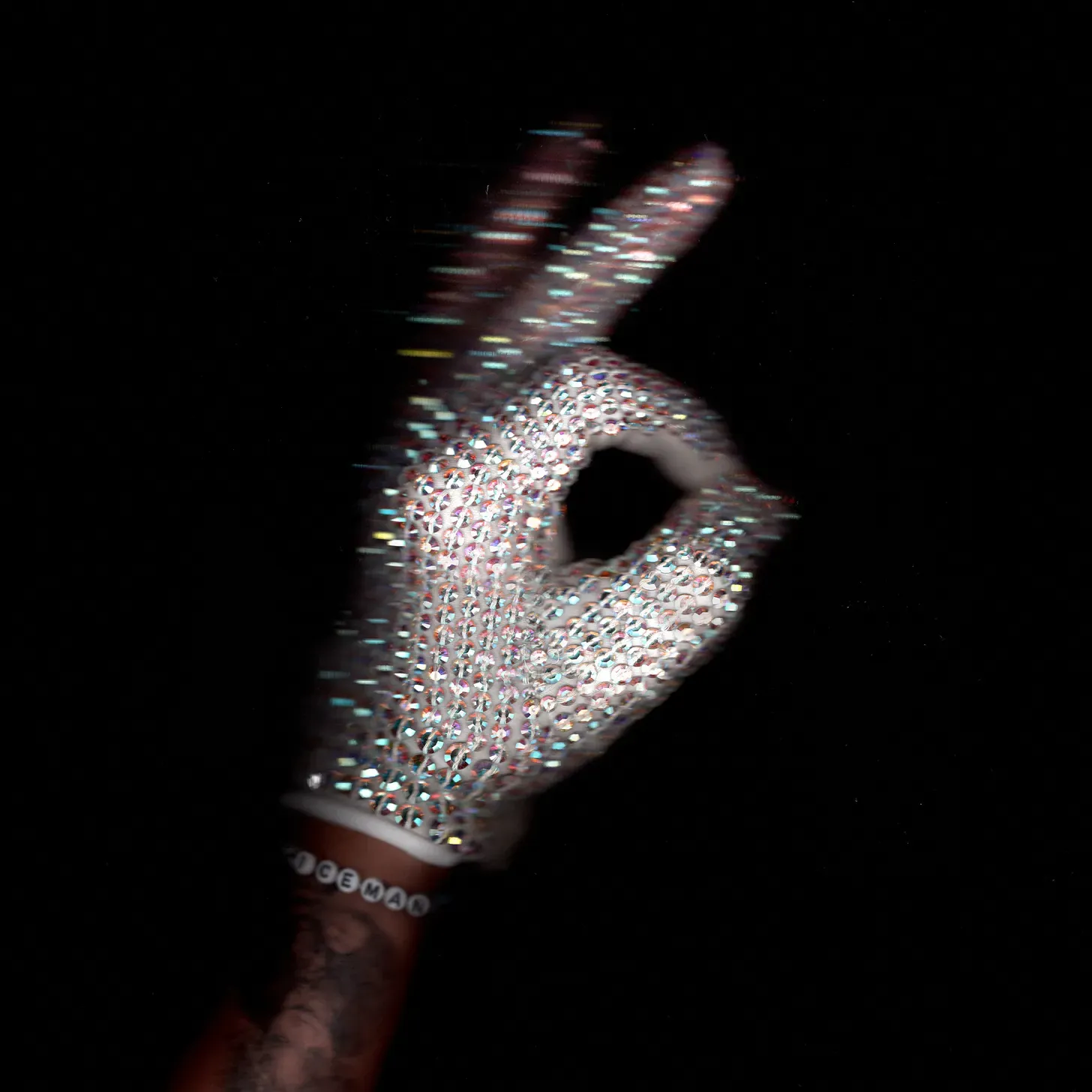

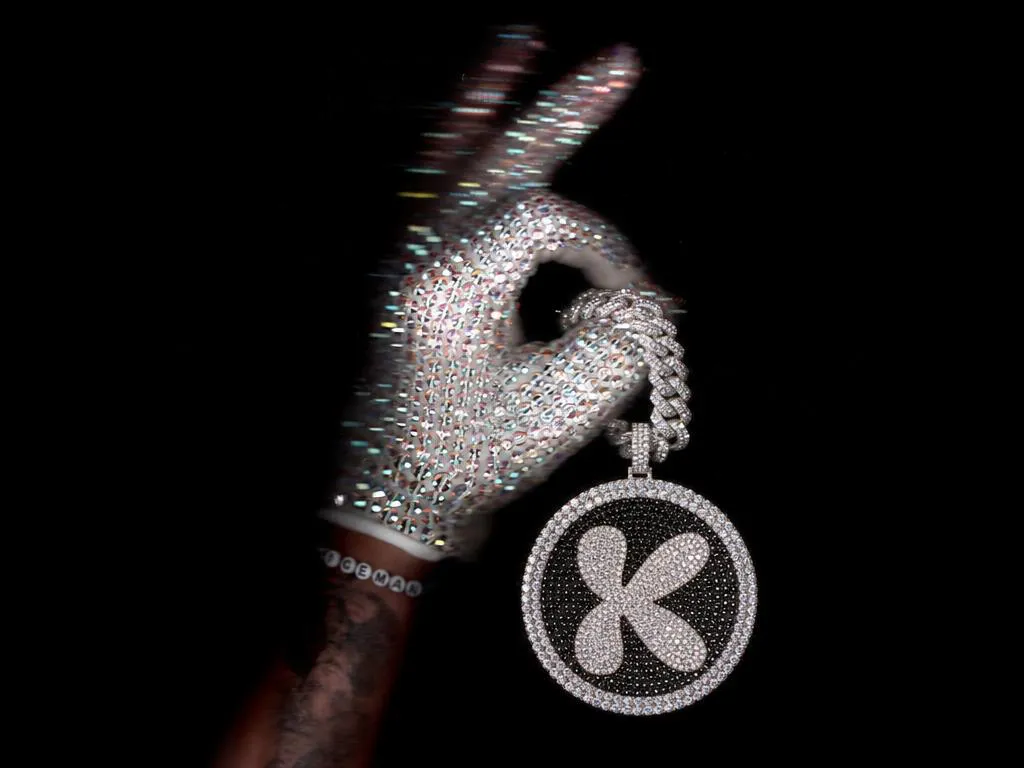
변형 7개
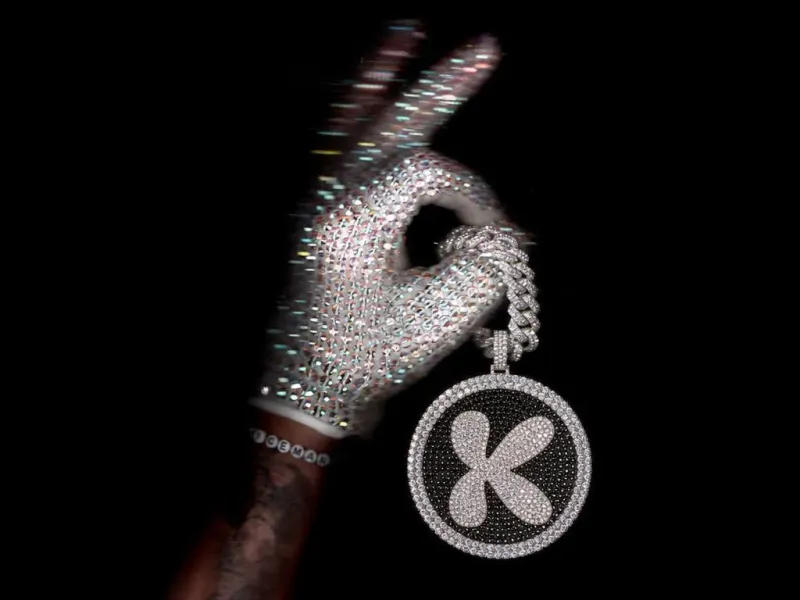
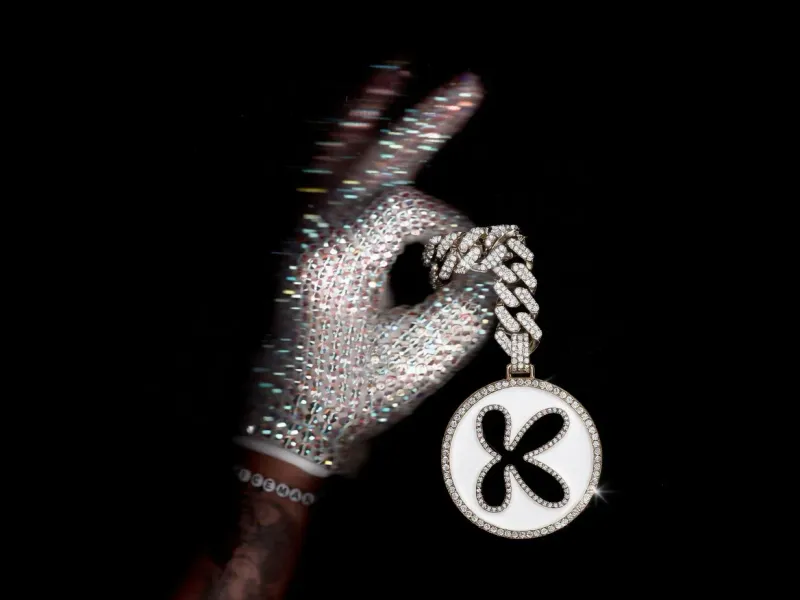
제품 사진 프롬프트 전체 보기
전체 보기 →

What this edit does
It takes two reference inputs — a crystal-gloved hand and a brand logo — and composites a round, fully-rhinestone keychain hanging from the glove's thumb on a thick diamond chain. The chain matches the glove's sparkle. The keychain face is black on the inside, encrusted with the logo in rhinestone. White background, no environmental dressing — just the bling.
It's a hard-mode edit prompt: two reference images, strict composition preservation ("don't change the hand or arm"), and specific material reproduction ("full rhinestone", "thick diamond chain").
When to use it
- Luxury accessories testing — does the model match texture (rhinestone glitter, chain weight) across a multi-element composite?
- Logo-into-product edits — exactly the "put my brand on this object" task brand teams hand to designers
- Composition preservation evaluation — the prompt forbids changing the hand pose, exposing models that can't respect strict input constraints
Tips for customizing
- Swap "rhinestone" with "diamond", "pearl", or "chrome" — each gives a wildly different luxury read
- Change the keychain shape: "heart-shaped", "logo-shaped", "rectangular dog tag"
- Move the placement — "through the index finger", "resting in the open palm" — to test which models can adapt the composition without losing the rest
Related
- More product photography prompts
- Compare brand-logo edit quality across our image models