← Gallery
GTA 5 style San Francisco
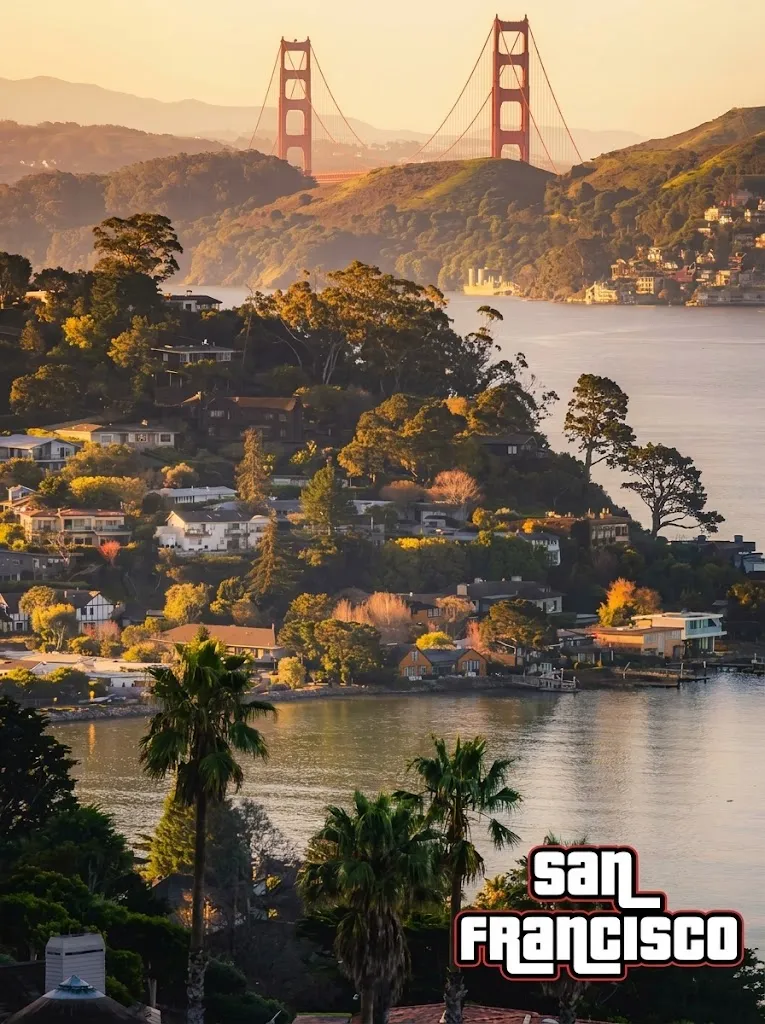
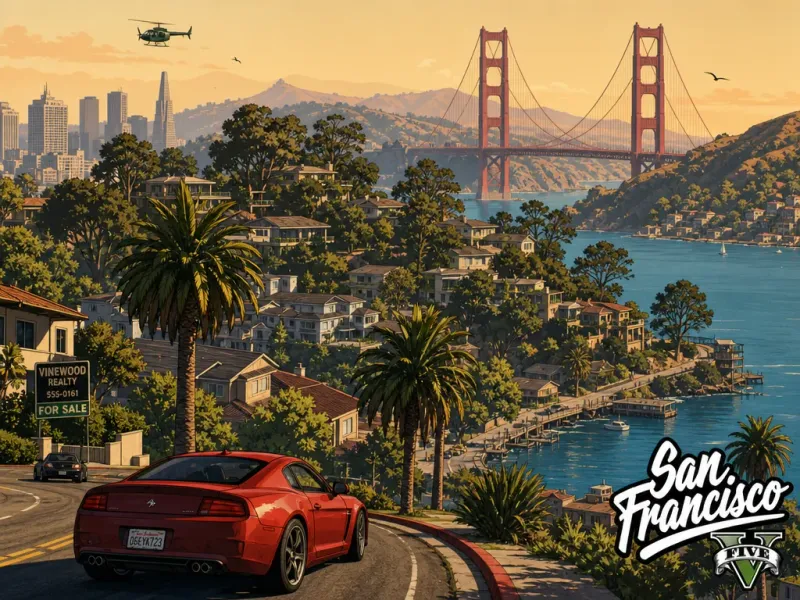
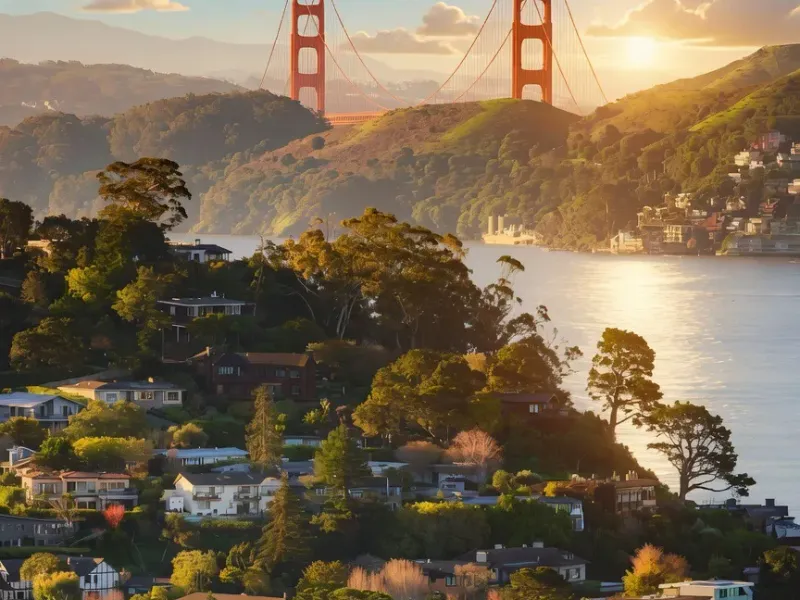
Edit a city skyline photo into GTA 5 game-art style — saturated colors, lightly toon-shaded geometry, with the iconic 'San Francisco' caption in the bottom-right corner.
Prompt text
Turn this into gta 5 game style, bottom right should say San Francisco.
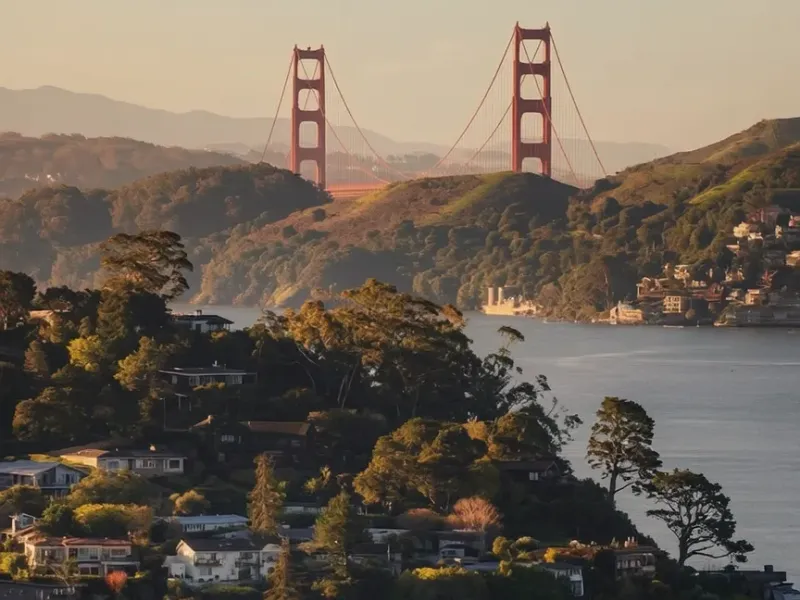
Reference input
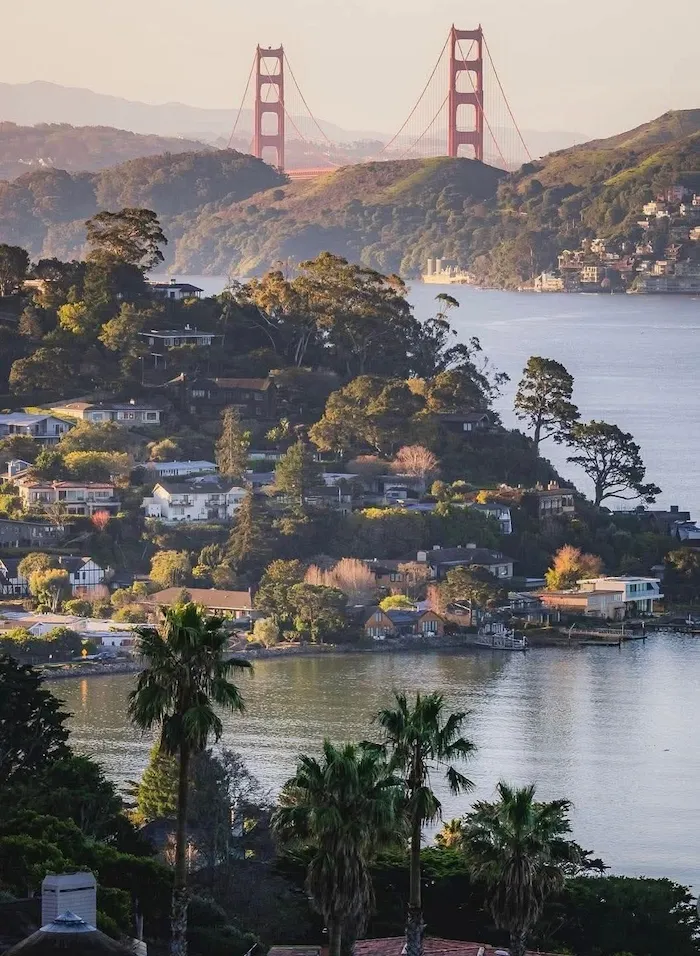
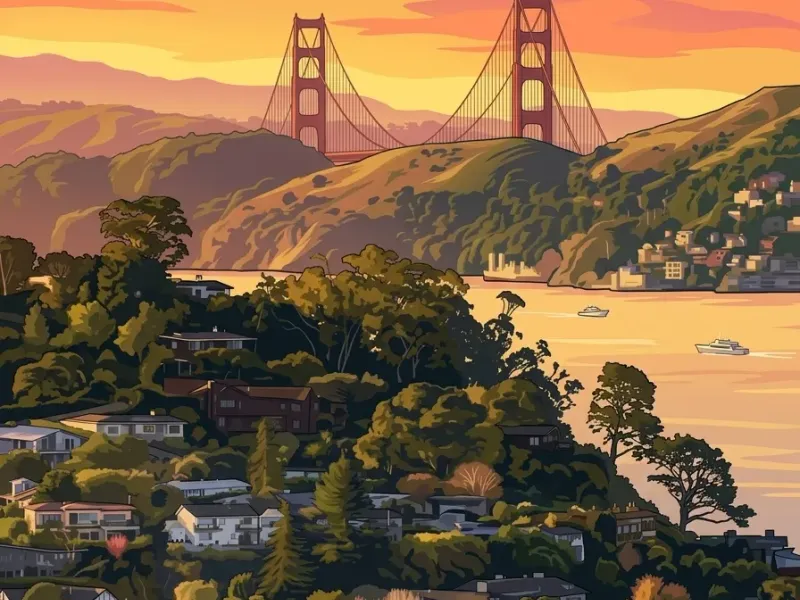
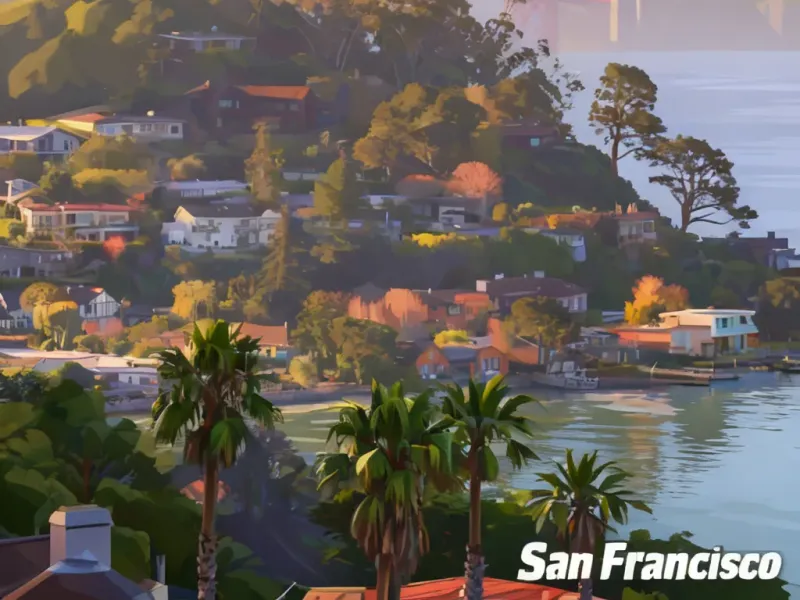
7 variations
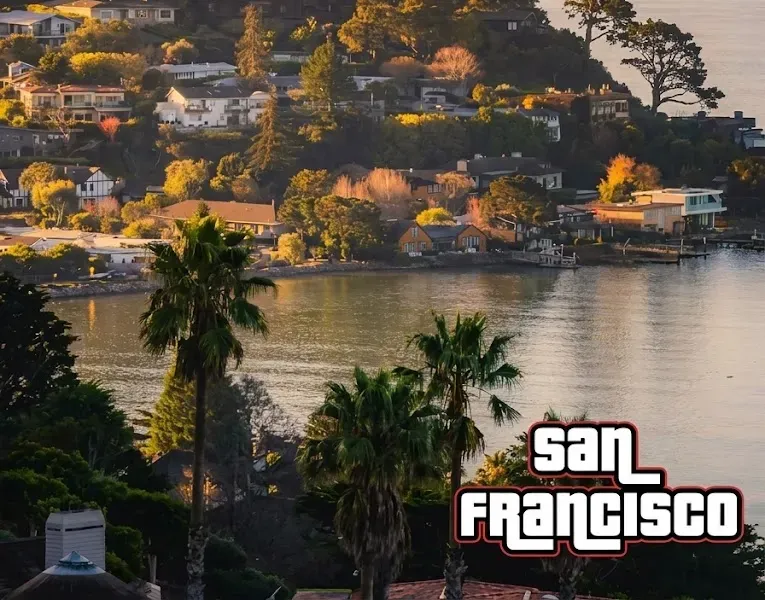
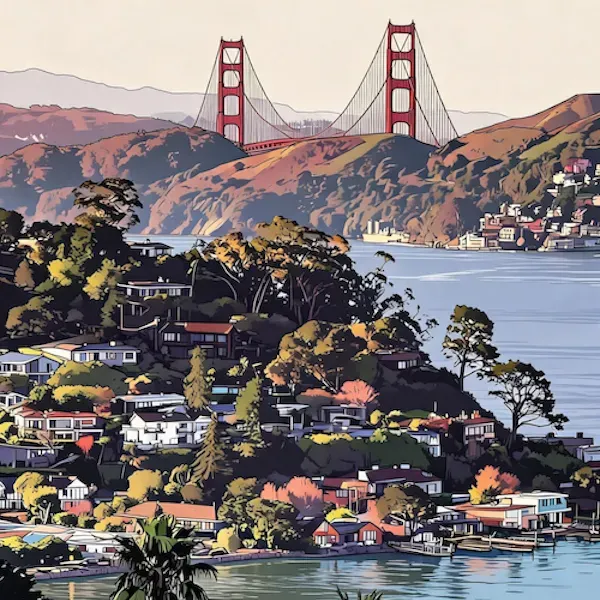
All Film Aesthetics prompts
See All →

The look this prompt creates
The reference photo of the San Francisco skyline gets re-rendered in the visual register of GTA 5 — saturated sunset palette, lightly toon-shaded geometry, slightly thickened outlines, that PS5-cinematic open-world feel. The Golden Gate Bridge, the bay, the hillside houses, the palm trees in the foreground — all kept intact, but pushed into the game's stylized look. A small "San Francisco" caption sits in the bottom-right corner, mimicking GTA's location label.
It's the "your city as a GTA loading screen" meme prompt — one of the most-searched AI image trends of 2025.
When to use this prompt
- Social meme content — drop in any city skyline (Tokyo, Lagos, Lisbon, your hometown) and you get an instant GTA-loading-screen pastiche
- Local pride / "where I'm from" posts — TikTok, Instagram Reels, Twitter threads tagging a city
- Travel content — vacation photo → "GTA 5: [destination]" hero card for the carousel
- Real-estate / tourism marketing — repackage standard skyline photography as game-stylized hero art for younger audiences
Tips for customizing
- Replace "San Francisco" with any city or label — "Los Santos" for full GTA cosplay, your hometown's actual name, or a fake game title
- Swap the game register: "GTA 6 cinematic style", "Cyberpunk 2077 night city style", "Red Dead Redemption 2 sunset palette", "Forza Horizon coastline style"
- Push or dial back the stylization: "subtle GTA-style color grading only" keeps the photo realistic with just the palette; "full cel-shaded cartoon style" goes further
- Add HUD elements: "with a minimap and weapon wheel in the corners" for an in-game-screenshot feel
- For a more legible caption: "white sans-serif location label in the bottom-right, GTA Five font style"
Related
- More film-aesthetic prompts
- Browse all image models we've tested on game-style transformations